

Some of our latest updates introduce new ways to research properties, be more efficient on the road, and find your next lead (spoiler: it’s going to become your new favorite feature). Other updates bring popular features to more plans and devices, thanks to your feedback.
Here are six new things to check out in Land id—and why they matter for you.
1. Get Property Answers Faster With AI Insights
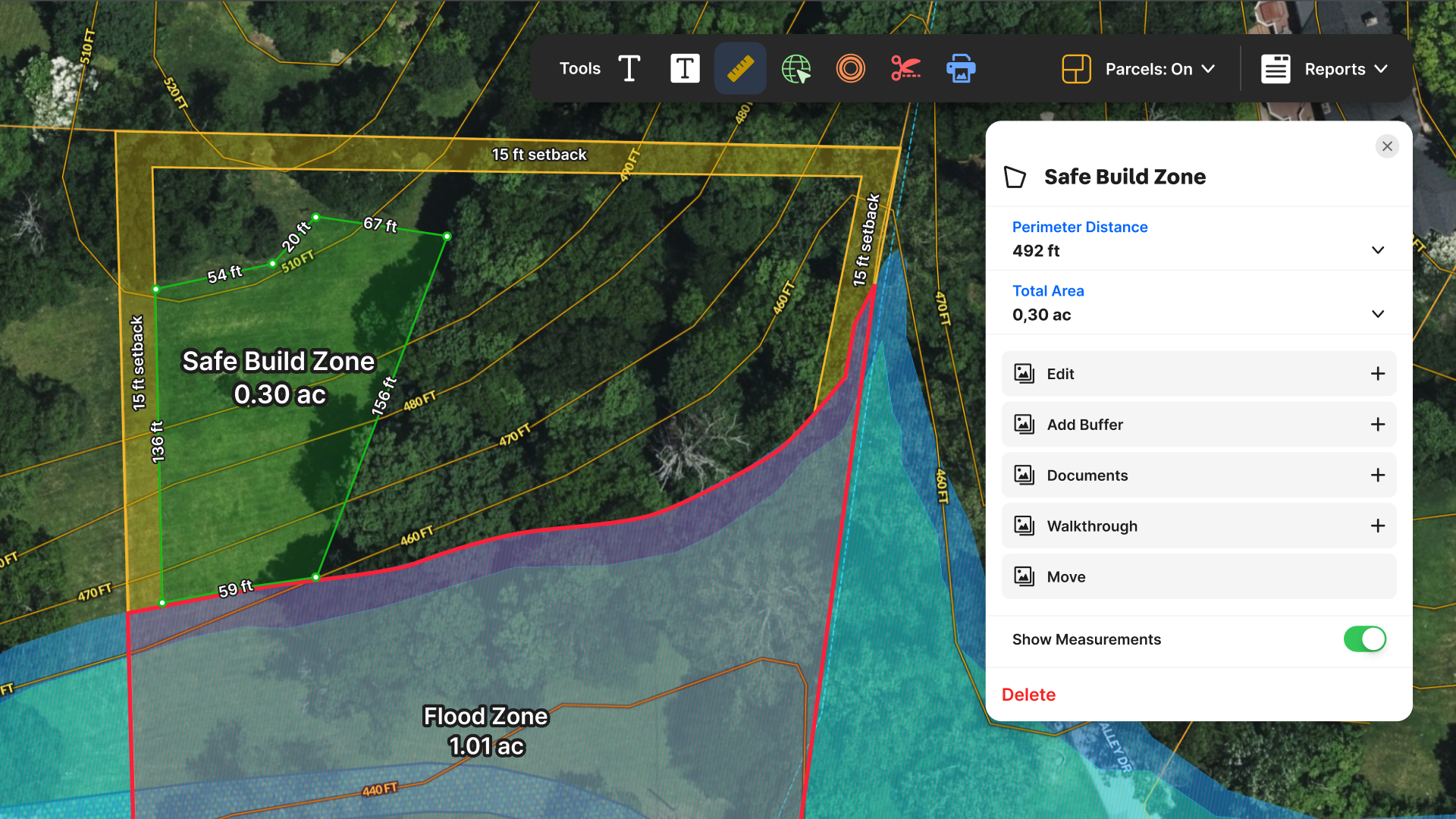
How much of a property is buildable? Is it in a floodplain? What's the surrounding neighborhood like?
These are the kinds of questions that used to send you digging through maps, websites, Google searches, and property records. Now, Land id AI Insights can deliver answers in seconds.
AI Insights brings together property data, maps, and location information to give you a clearer picture of virtually any property nationwide.
Why It Matters
Visual and map-based insights with plain-language explanations make it easier to do fast due diligence, reinforce your brand, enhance listings, work with out-of-state buyers, and much more.
Try it: Check out our 5-minute video tutorial and read 5 Ways to Get Started With AI Insights Today
2. Reach Potential Leads Faster Using Owner Contact Information
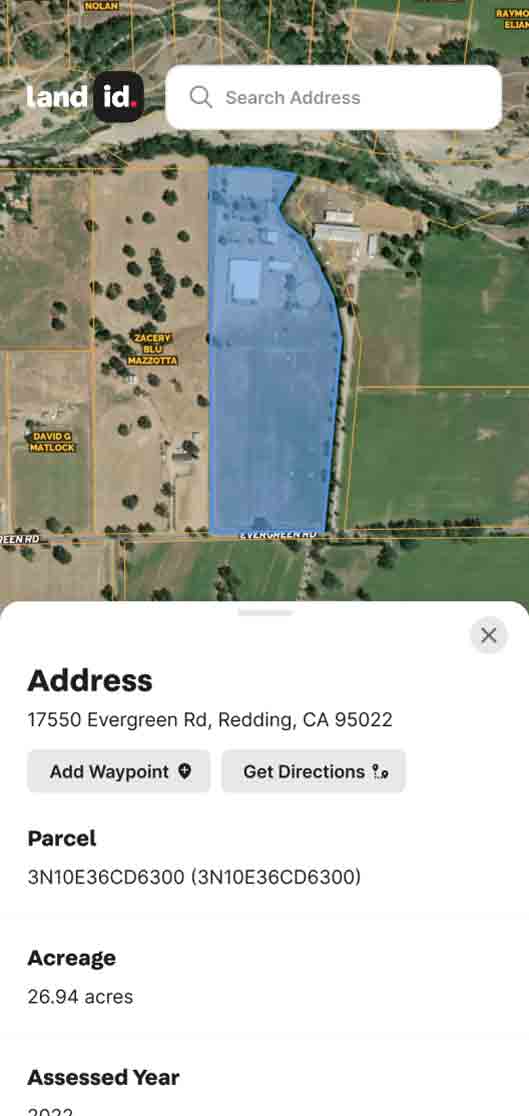
[Image: a simple screenshot of a fake phone number showing on the contact info card]
Found a promising off-market property? Now you can take the next step toward connecting with its owner.
Land id's owner contact information helps real estate professionals contact potential leads faster and pursue new opportunities directly from their property research. Just click a parcel to get the owner’s phone number.
Check out our Help Center documentation for details and limitations.
Why It Matters
For agents prospecting in a specific market, owner contact details can help turn promising properties into actionable leads. It's another useful resource for building your pipeline and finding opportunities beyond active listings.
3. CarPlay Now Available on All Plans
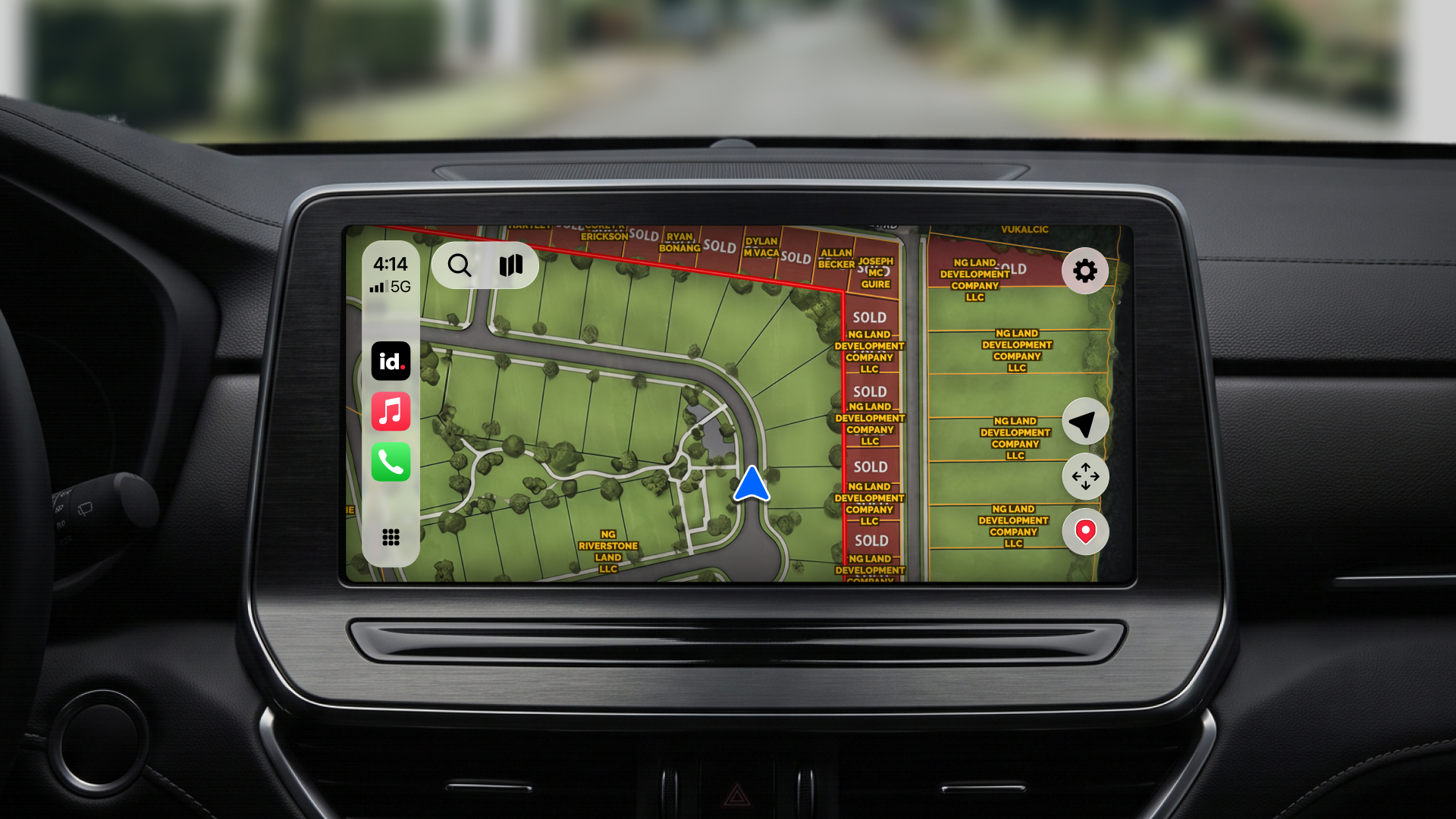
“By popular demand” is an understatement!
You love having parcel boundaries and ownership information right on your CarPlay dashboard. So we made Land id for CarPlay available on every plan.
Pro and Pro Unlimited plans also enjoy access to saved maps and in-app driving directions. (Users on other plans can launch directions through their vehicle's navigation.)
Why It Matters
When your work takes you out into the field, it's helpful to have your property tools along for the ride. Whether you're driving a plat map in real time or heading to a new property showing, your trusted property insights are now at your fingertips, wherever you go.
4. Owner Mailing Lists Now on Every Plan
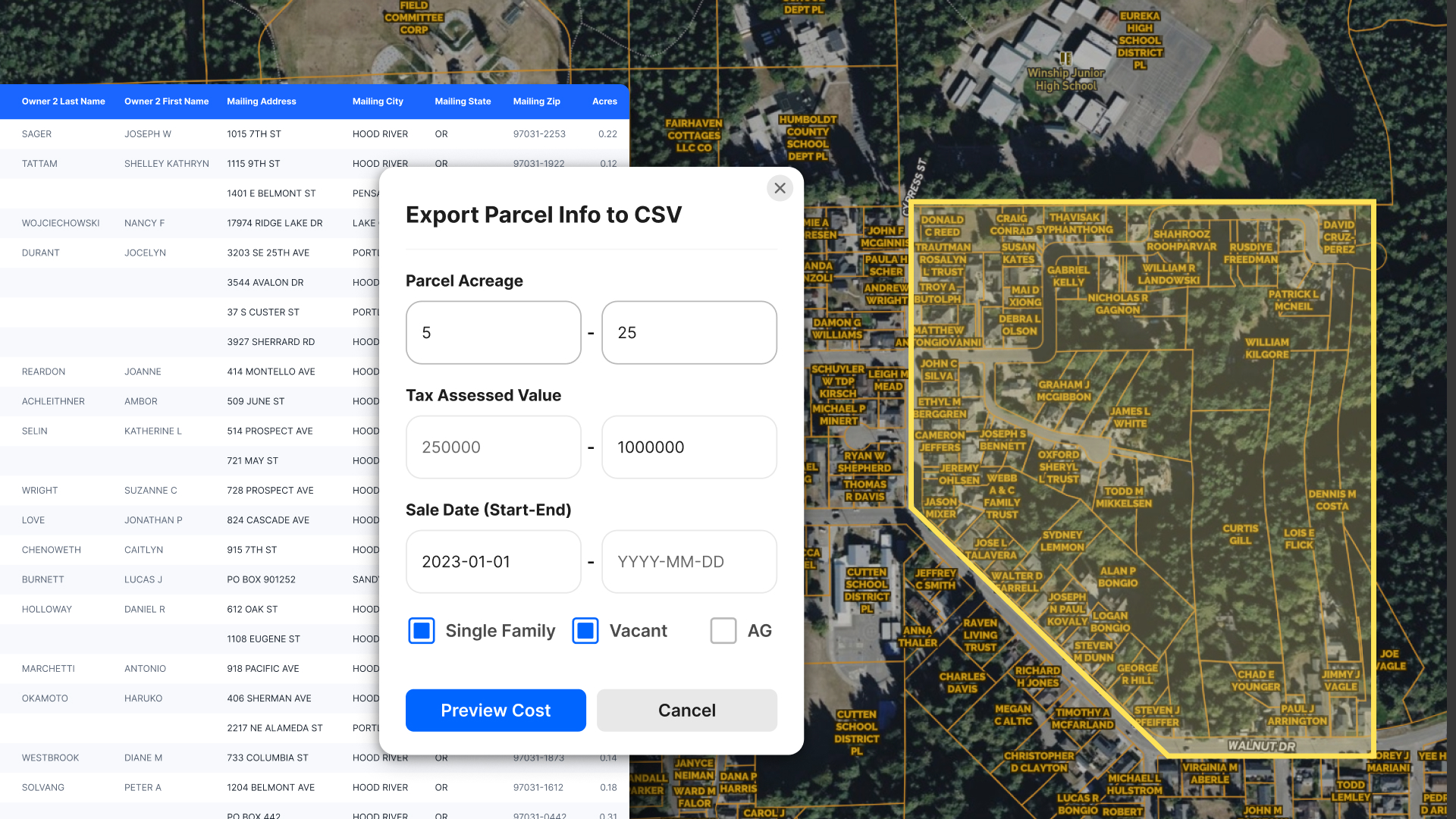
Looking for seller leads? Targeting absentee owners? Prospecting for off-market properties?
There’s good news: Mailing Lists are now available on all Land id plans.
For an additional per-row fee, this popular tool helps you turn property research into targeted outreach without leaving Land id.
Why It Matters
A strong prospecting campaign starts with a good list. Land id helps you build targeted, deduplicated mailing lists using our trusted property data, so you can reach the right owners with more confidence.
5. Explore an Owner's Entire Property Portfolio From Your Phone
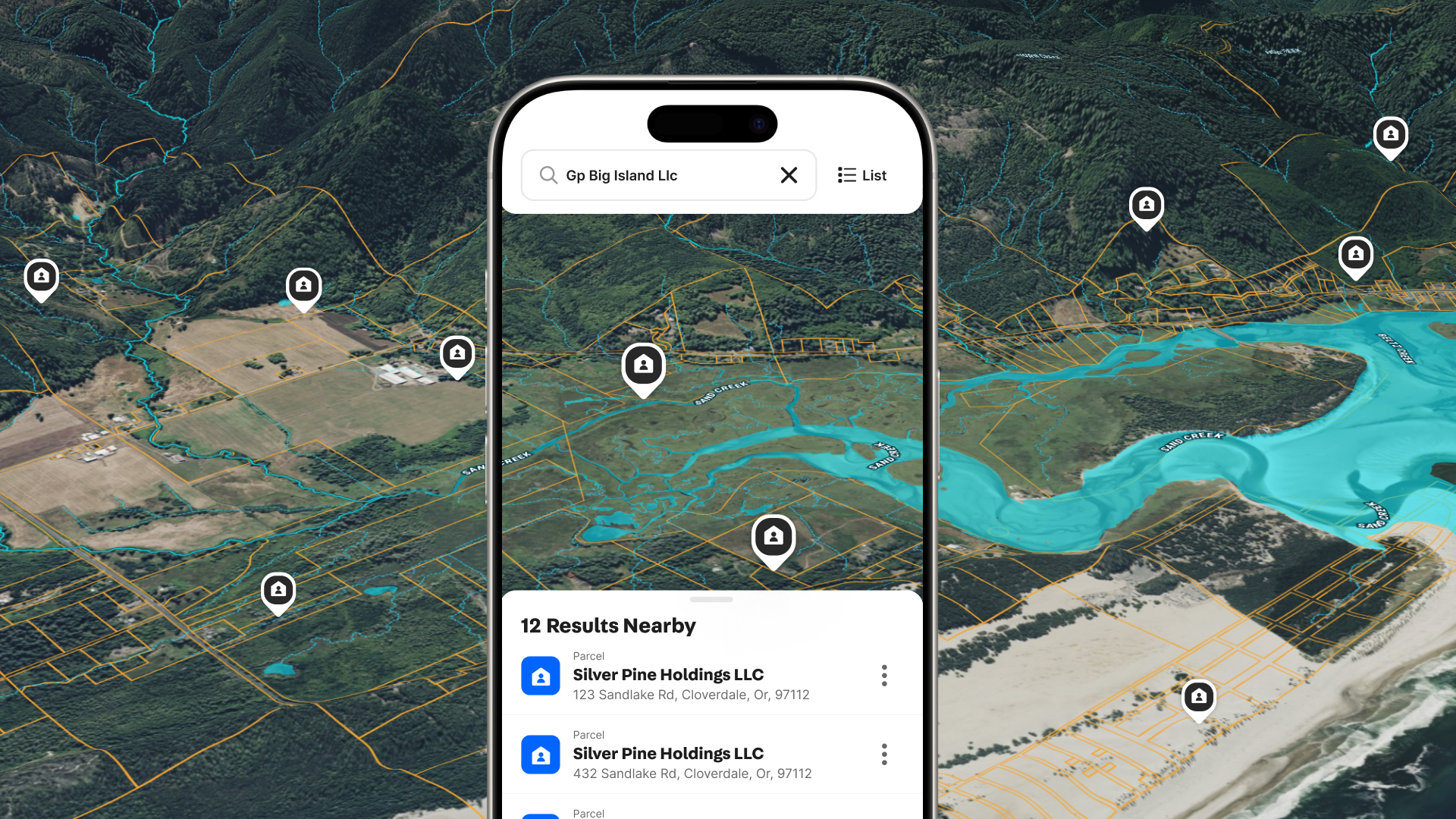
Sometimes the most useful thing to know about a property owner is what else they own.
Land id's Owner Portfolio search lets you see an owner's properties together, making it easier to understand their holdings and uncover potential opportunities.
And thanks to your feedback, Owner Portfolio View is available on mobile, too.
Why It Matters
Property research doesn't always happen behind a desk. Now, when you're meeting with a client or checking out a property in person, you can explore an owner's holdings right from your phone.
6. New Map Layers & Major Data Improvements
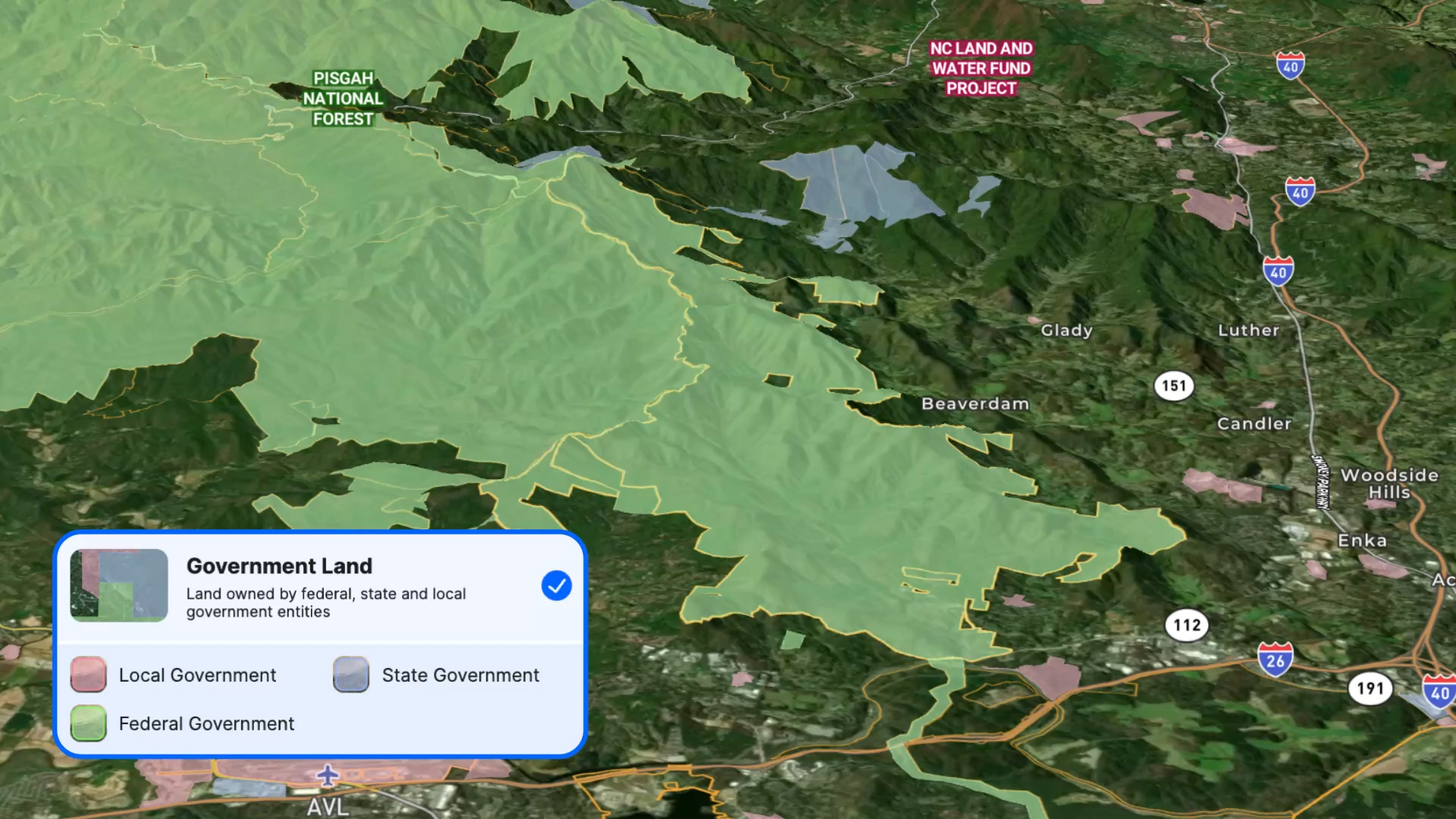
Land id has been your trusted source for extensive parcel and property data for more than a decade, and we’re working hard to keep that trust.
We've shipped vastly improved Airports and Points of Interest data layers, plus brand-new layers for tribal lands, national pipelines, and Missouri sinkholes.
Why It Matters
More relevant map data helps you deliver great client value, understand a property's potential, and spot dealbreakers earlier in your research.
Keep the Feedback Coming
Your feedback helps shape what comes next for Land id. And these latest updates reflect what we've heard from you: make popular tools more accessible, keep improving the mobile experience, and help people make better property decisions, faster.
We're excited to put these improvements in your hands.
Ready to see what's new? Log in to Land id and put these updates to work. If a feature you want isn’t available on your current plan, check out the comparison chart on the pricing page to select the best plan for your goals.
FAQs
See Land id In Action
Research, analyze, share, and showcase real estate, all in one place.
Continue Reading
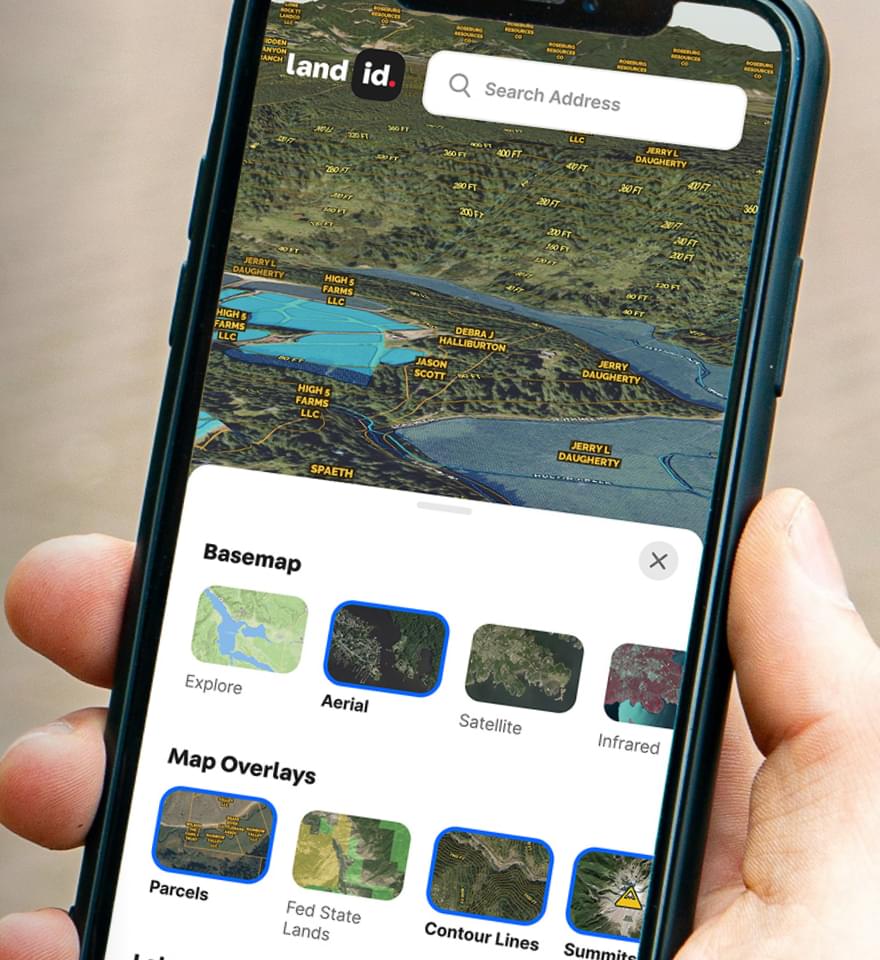
The Different Types of Easements & How They Work

By Land id
Learn the definition of an easement, the different types of easements in real estate, how they affect property rights and value, and how to check for easements before buying property.
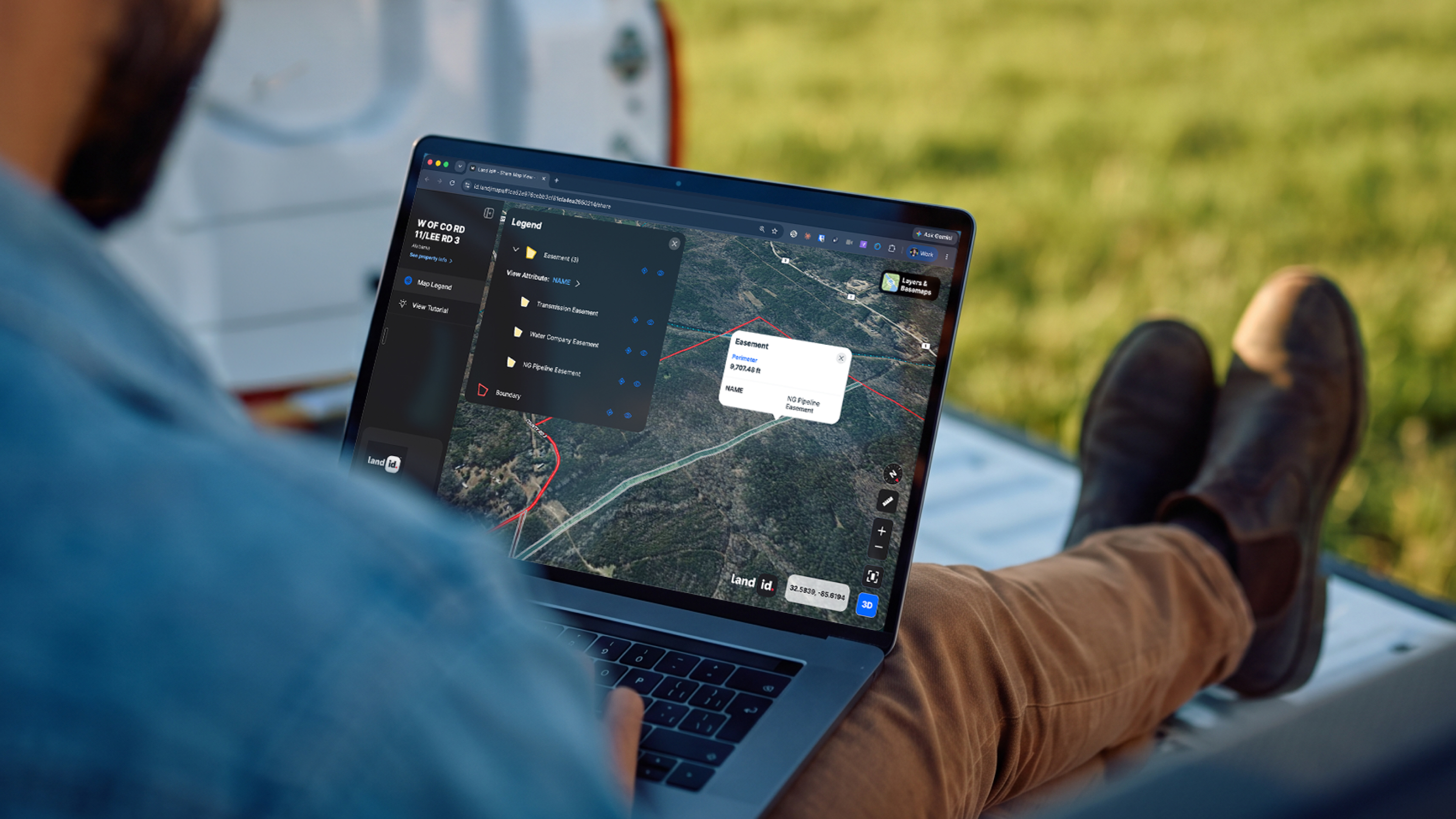
How to Measure Land Area on a Map Online (Step-by-Step Guide)
By Land id
Learn how to accurately measure land area on an online map for your listings with this step-by-step guide for real estate agents.

Explore Private Parcel Data & Property Boundaries
Download the Land id app and try for free.