

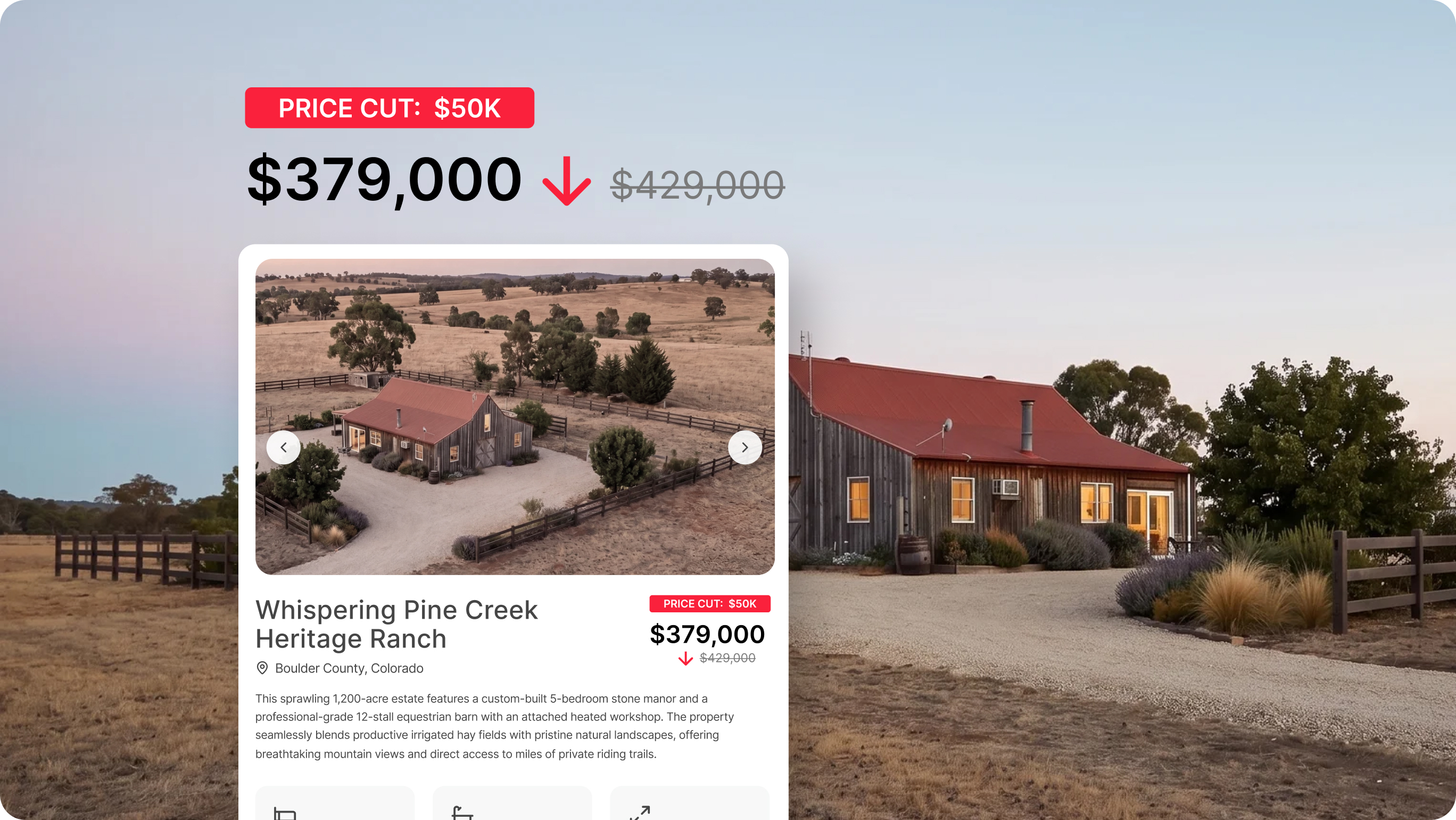
A listing that's reached the end of its initial listing agreement may be more than a marketing problem—it may be a perception problem. Potential buyers assume something is wrong. Buyer agents find reasons not to show it. Sellers start to consider another real estate agent.
Instincts say to drop the price. That's sometimes right. But other times, a stale listing isn't priced wrong—it's presented wrong. This can happen with any type of listing: straightforward residential, high-dollar commercial, or unique rural listings. Potential buyers can't evaluate potential from a bland, text-filled MLS page or uninspired marketing package. Without the right context, they move on, and the property’s stigma grows.
The problem is not always the asking price. In fact, even price improvements fall flat when marketing fails to engage. The solution is a ground-up rebuild of the buyer experience.
Why Listings Go Stale
Static photos and a wall of text don't tell a potential buyer what they need to know. They can't see where the property line ends. They don't know if that "seasonal creek" is a drainage ditch or a legitimate water feature. They can't visualize how 10 or 20 or 100 acres actually feels—or whether the access road is paved or a two-track through a field.
Unique properties are especially hard to sell from a standard listing. A buyer evaluating a townhouse will consider an offer after some sharp staging and high-end photography. A buyer evaluating acreage? Well, those kinds of decisions require a great deal more context.
That's the gap to close, and Land id has the features to do it.
4 Unique Ways to Get a Stale Listing Noticed Again
Step 1: Build a Property Tour That Does the Talking
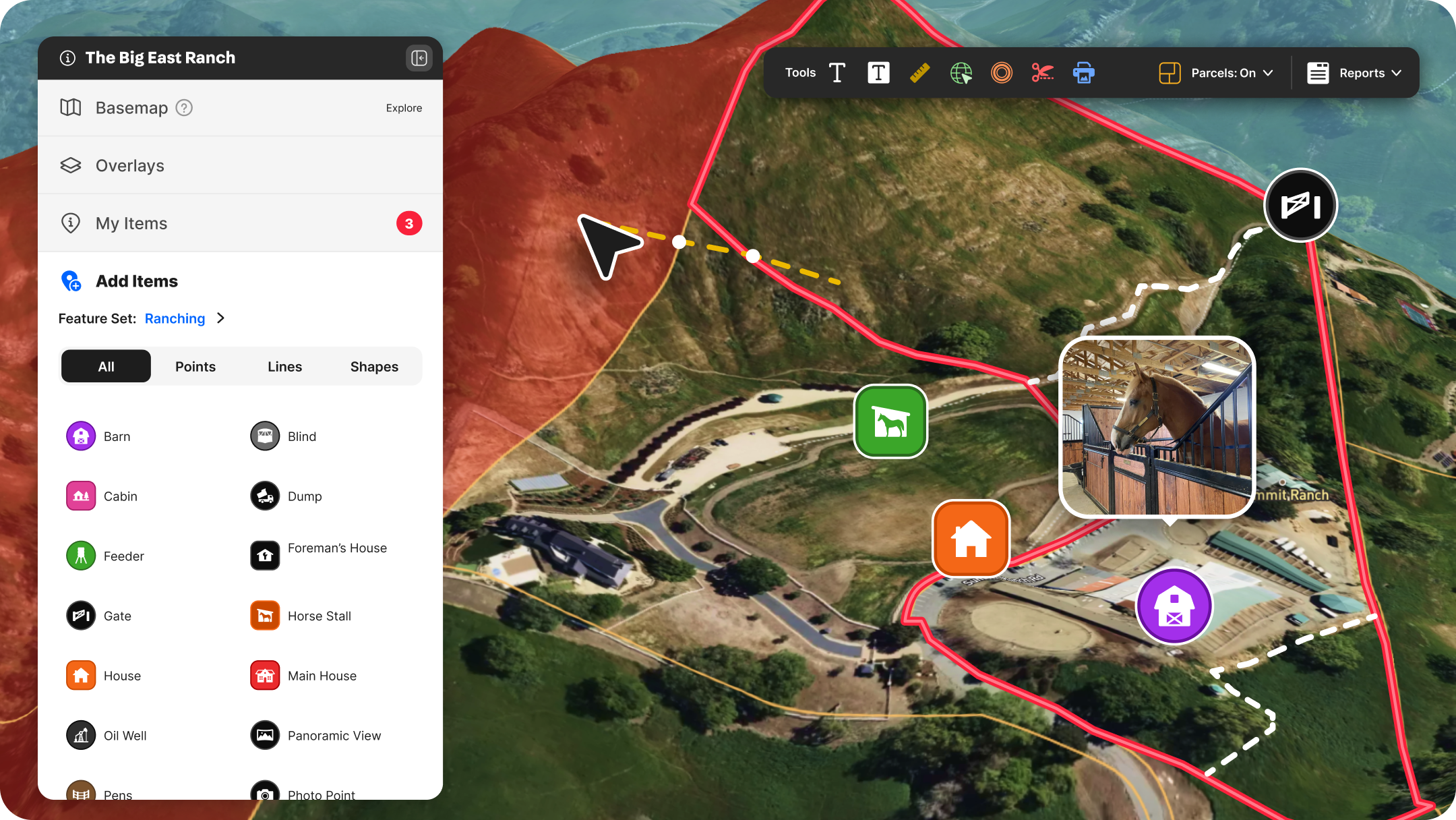
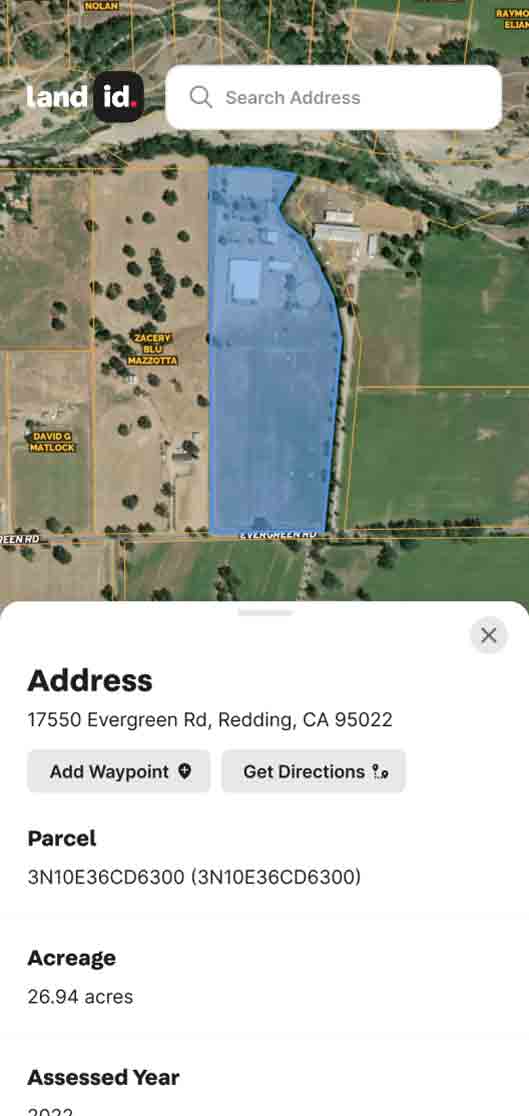
The most valuable thing you can do for a stale listing is create an interactive property tour or map in Land id. Not a screenshot. Not an aerial view of a roof. Not a PDF with a parcel boundary drawn on Google Maps. A live, shareable property experience with interactive, data-supported layers that answer the questions buyers are silently asking.
Start with the basics:
- Pull up the parcel in Land id to confirm the property boundary is accurate.
- Switch on the Parcels overlay to view surrounding ownership.
- Enable 3D view for an immediate wow-factor.
These simple steps require minimal effort, but immediately enable aspiring buyers to make vetted decisions well before scheduling an on-site visit, reducing unnecessary visits and alleviating endless email or text threads. They can clearly understand where a property ends and if adjacent properties add value or risk. They can determine actual road access and get clarity on terrain.
With Land id, you no longer have to send an email or make a call to find and share property intel. It’s all right on the map.
Land id Tip: Use the Sharing feature to generate a shareable link for your custom map. Drop it into your email campaigns, text it to buyers’ agents, or paste it directly into your MLS remarks. The map loads on any device; no account required on the recipient’s side.
Step 2: Tell a Better Story With Property Data
Every property has its highest and best use. A well-built map makes that case without you having to argue for it.
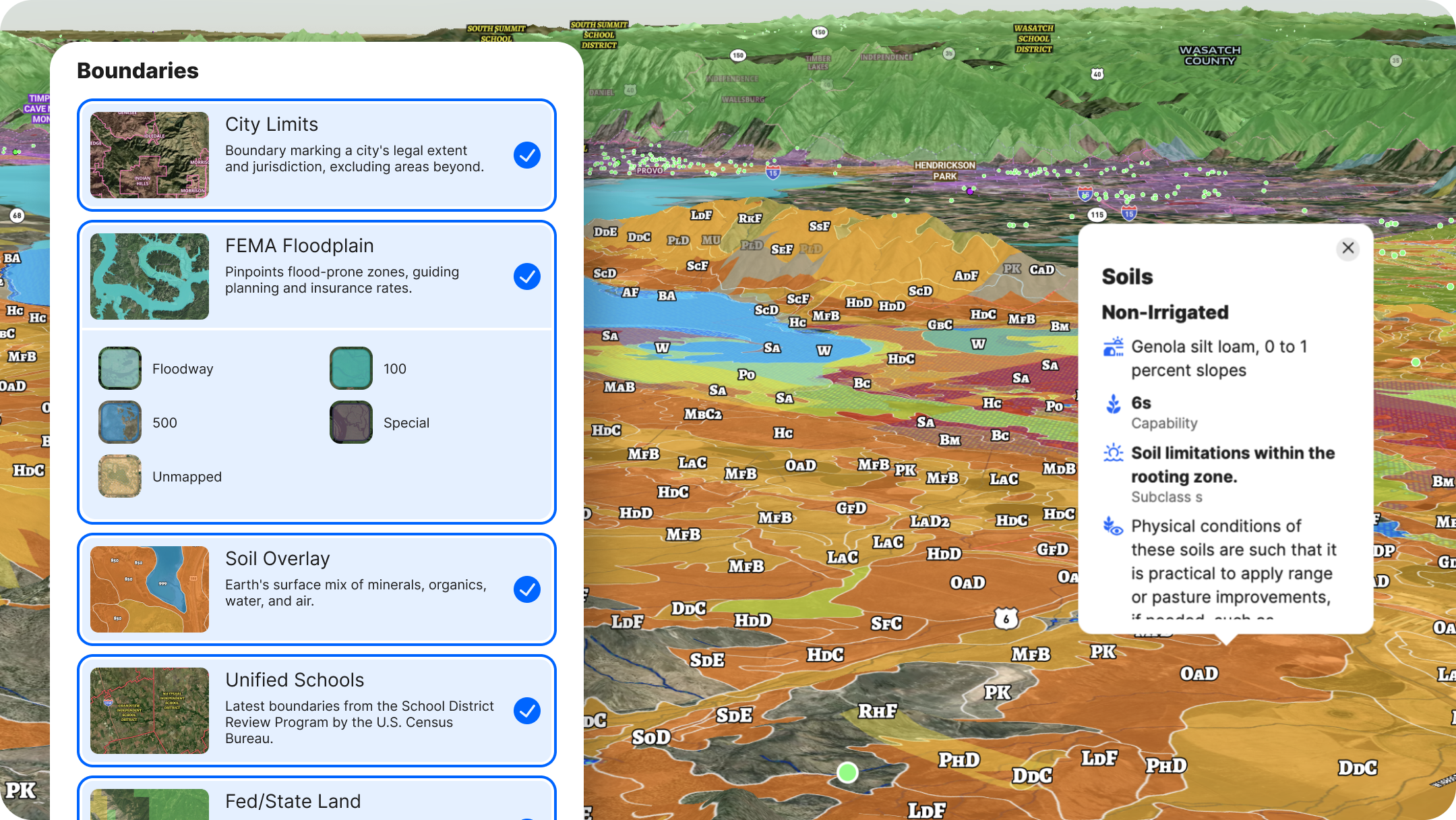
Land id has dozens of data overlays at your fingertips. The right combination of those depends on the property. Here's how to think about it by use type:
Residential Property
Residential home buyers place a great deal of value on what’s around their potential next home. The more you can show of that, the better clients can envision their future in it. Using Land id, turn on layers that display:
- Elementary and secondary schools
- Public transit and airports
- USGS-curated points of interest
Farming & Agriculture
Enable the Soil overlay to pull a Soil Report. Land id's soil data is drawn from USDA SSURGO—the same data set referenced by professional appraisers. Click any soil zone to see irrigated/non-irrigated capability class, permeability, and crop suitability. Rich bottomland soils tell a story that "productive farmland" in a listing description never quite can.
Use the Measurement tool to unlock insights like road frontage, setbacks, acreage, and more. Or the FSA CLU layer, showing streamlined land units for farm management and government support.
Development & Investment
Use FEMA Floodplain, Land Use (to show surrounding residential, commercial, industrial, and vacant land), Transmission Lines, and Fiber Optic Service to show what's possible and what's there. Buyers doing their own due diligence will pull this data eventually—giving it to them up front builds trust.
Hunting & Recreation
Turn on Game Management Areas (GMAs), Wilderness Areas, and Public Land (federal and state) layers. Add Contour Lines to show elevation change. Layer in Land Cover to show timber density. These layers transform a listing from "160 acres in [County]" to a specific, detailed picture of what a buyer is actually buying.
Land id Tip: Once your layers are configured, use Land id's Set Launch View feature so buyers open the map to exactly what you want them to see first.
Step 3: Add Media, Pinned to the Places That Matter
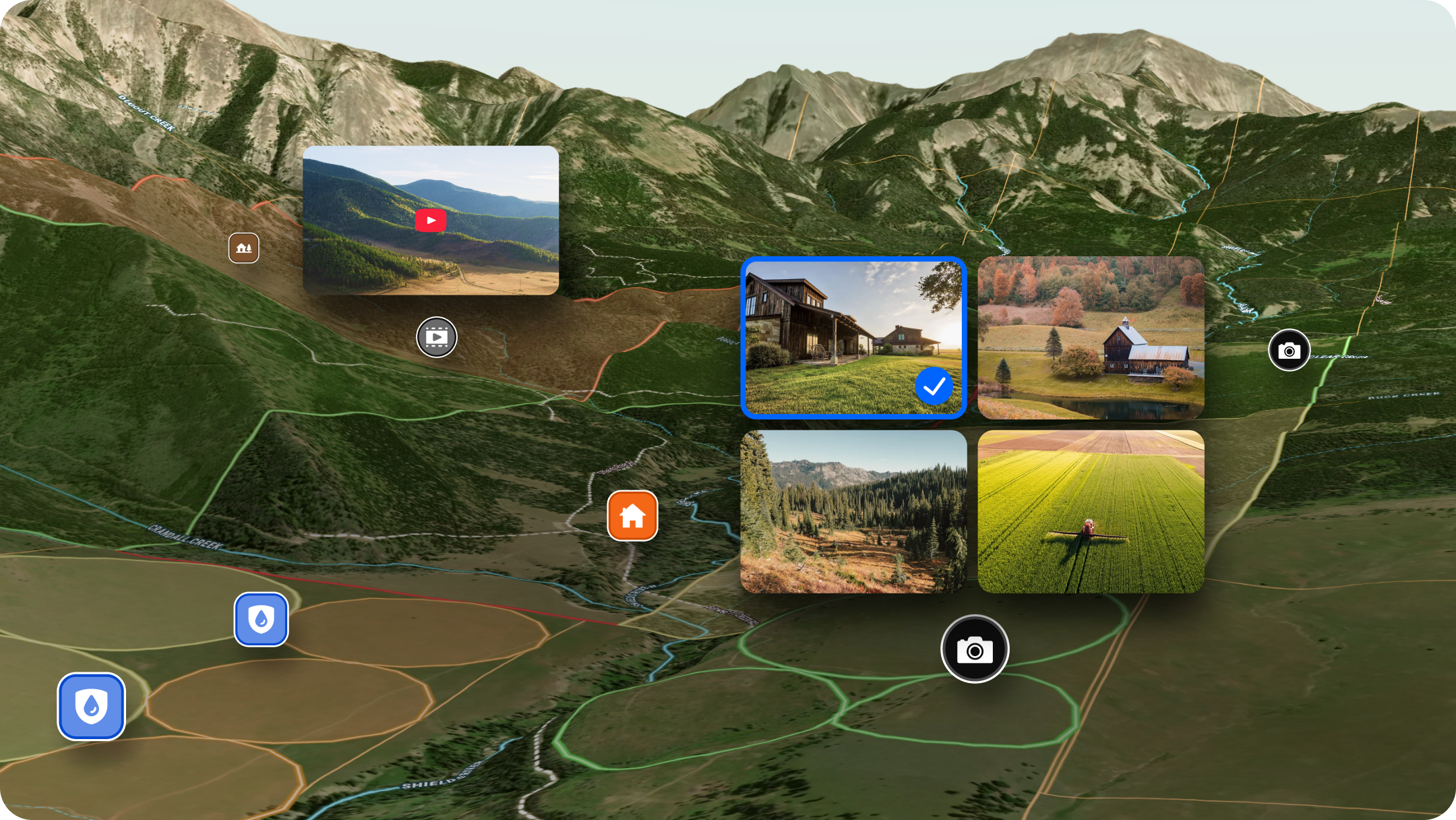
Here's what separates a Land id listing map from everything else: You can attach listing photos, videos, and 360° walkthroughs directly to specific locations on the map.
With pinned media assets, prospective buyers see more than a random photo put into a PDF; they’re able to see the exact location of a creek, forest stand, or other critical geographic asset. The north ridgeline photo is pinned to the north ridgeline. The pond is marked on the map, and the photo of it is there for accurate visual reference.
This is how listings become an experience.
To add media (full guide here):
- Create a map point at the location you want to highlight.
- Click the point to open its details panel.
- Upload listing photos (JPEG or PNG, up to 5 per point), add a YouTube or Vimeo video URL, or paste a Matterport link for a 360° walkthrough.
- Add a short description—"Looking south toward the pond from the north ridgeline" gives a buyer far more than a filename ever could.
Do this for 6-10 key locations: the entrance, any water features, the best building site, a high point with a view, and the access road. You're not trying to document everything—you're trying to give buyers enough to fall in love before they ever schedule a showing.
On 3D tours: If you have a Matterport file from a previous walkthrough (or want to create one), it embeds directly into the map as a 360° walkthrough. For a stale listing, this is a meaningful reason for real estate agents to re-pitch the property to buyers who passed before: "We've added a full virtual tour—take another look."
Step 4: Get It in Front of People Again
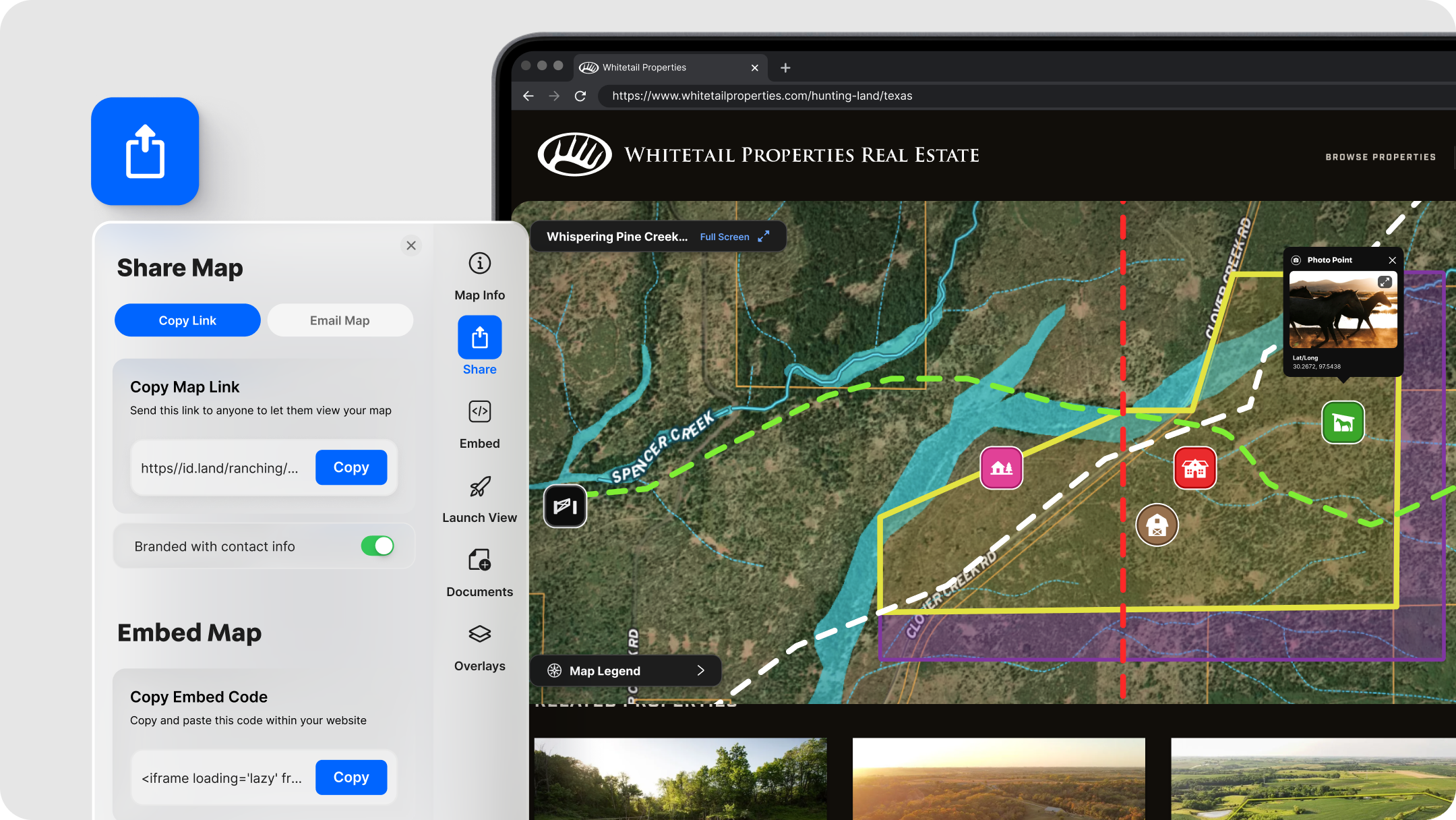
Once the property map is built, use it everywhere.
Embed it on your listing page. Land id property maps embed via a simple HTML iframe—paste the embed code into your website listing page, and buyers get a live, interactive map without leaving your site. (How to embed.)
Share the link directly. Copy the map URL and drop it into email campaigns, text messages to buyers' agents, and social DMs. Every recipient gets the same full-detail map, regardless of where they open it.
Export assets for print and social. Use Land id's Print Map feature to export a PNG or PDF of any map view—with your logo, contact info, and layer legend included. Use these as the hero visual in a relaunched email campaign, or as the image on a new round of social posts.
QR code for physical materials. Link a QR code on your flyer or sign rider directly to the map. A buyer who drives by and wants more pulls out their phone and lands on a full interactive experience.
This is the relaunch. Not a new MLS input date—a new set of materials, a new story, and a genuine reason for buyers and agents to look again.
Land id: The Easy Way to Revive a Stale Listing
A stale listing is usually a presentation problem. Photos are rarely enough content to engage a modern real estate buyer; they expect and deserve more. Buyers who can't evaluate a property without a site visit often don't bother, or waste an agent’s time at poor-match listings.
The fix:
- Create a Land id property tour or map—set up a spinning 3D view with parcels enabled for a richer experience than a screenshot.
- Layer in the story—soil data, game units, flood zones, whatever the best use case demands.
- Pin your media—photos, video, and 3D tours attached to the spots that matter.
- Put it everywhere—embedded on your site, shared by link, exported for print.
One asset. Every channel. No price cut required.
Build your first Land id map today →
Want to go deeper? Land id's Marketing Properties Training Course covers the full listing workflow, from map creation to distribution.
FAQs
What is a stale listing?
How do you refresh a stale property listing?
What causes a property listing to sit on the market too long?
Do you need new outreach tactics when refreshing a listing?
Are stale land listings different from stale single-family homes?
Continue Reading
Craig Rowe
Real Estate’s Super El Niño Problem


By Land id
Just some rain...or real estate catastrophe? With months before winter hits, some states are already feeling the effects of this year's so-called Super El Niño. Here's how agents can help their clients.

Craig Rowe
How to Work With Out-Of-State Buyers: Tips for Real Estate Agents
By Land id
Agents in emerging markets will benefit from an influx of aspiring buyers. Get tips on how to make the most of these potentially lucrative leads.

Explore Private Parcel Data & Property Boundaries
Download the Land id app and try for free.