

Use your map to complete your listing and vet prospective buyers.
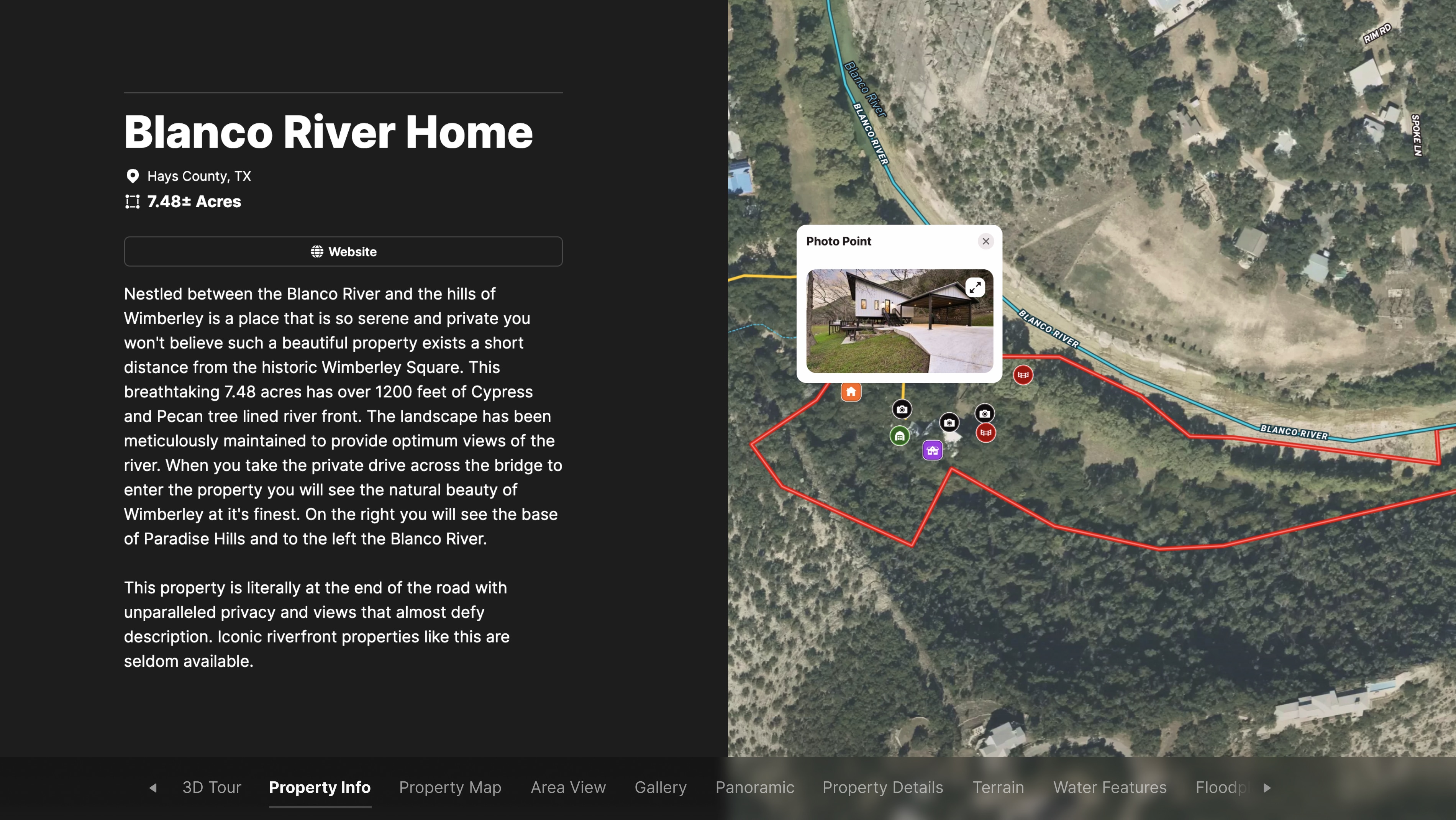
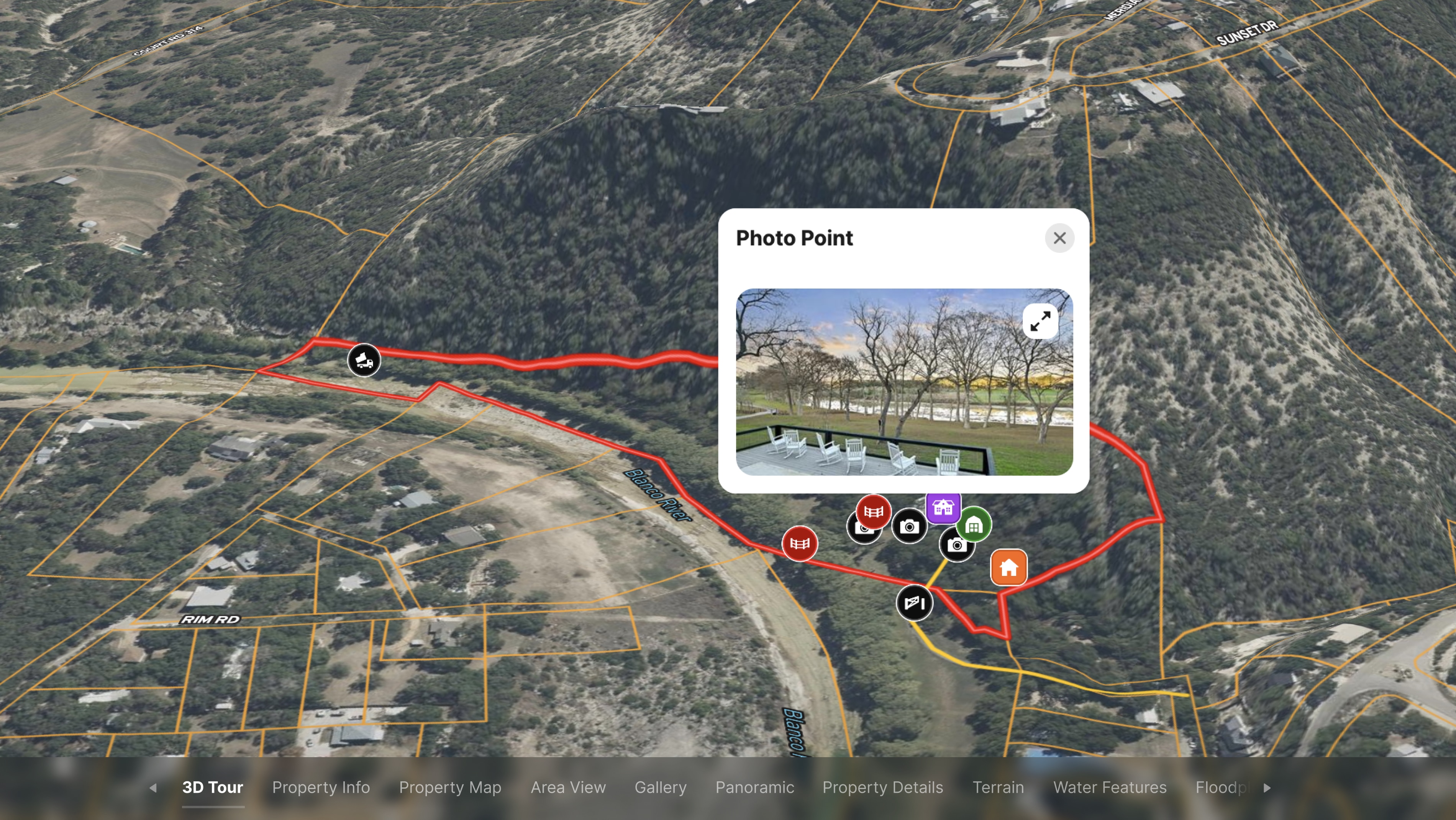
First, create spatial content for prospective buyers by putting all of the listing details into an information-galore, interactive map.
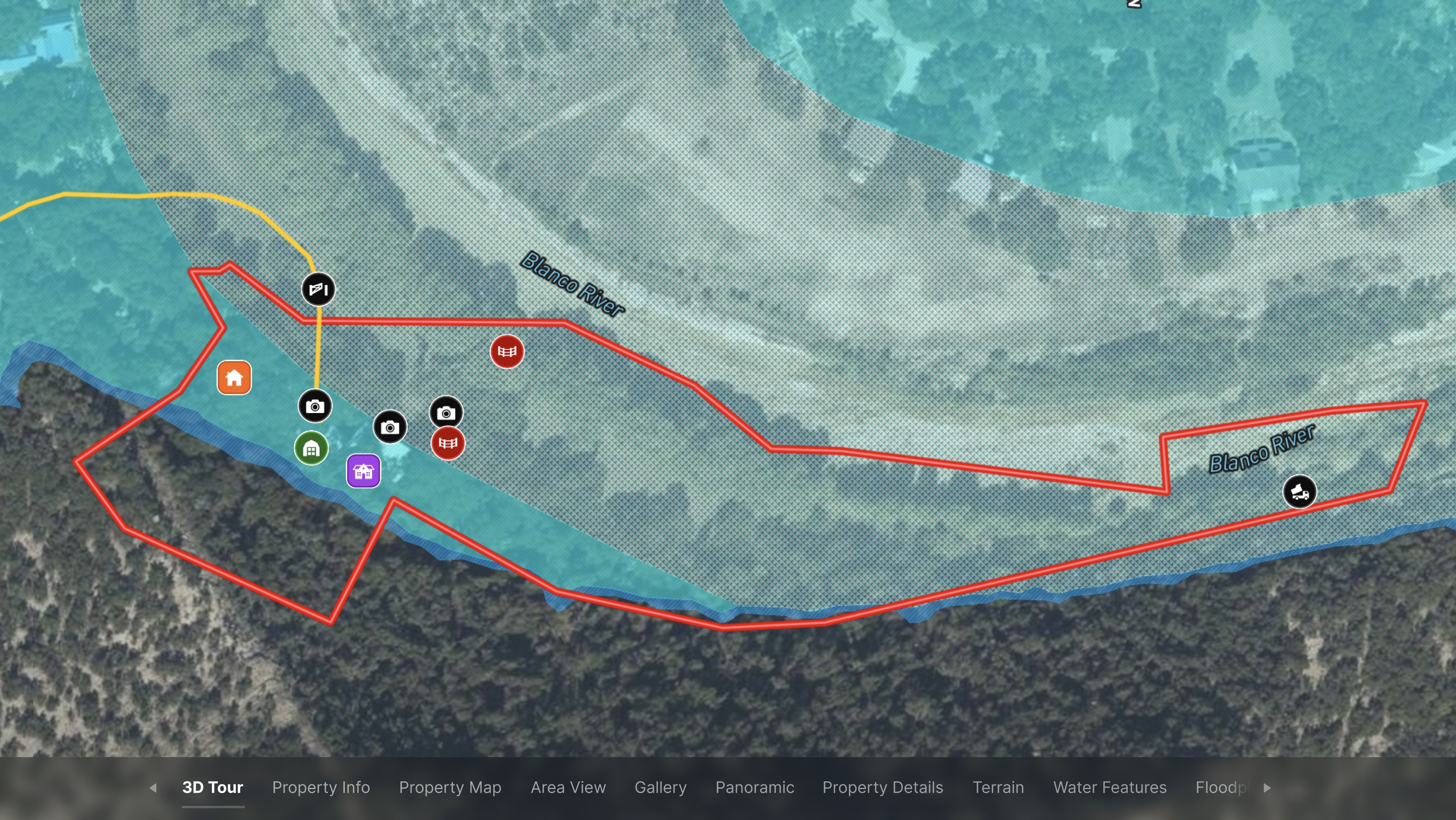
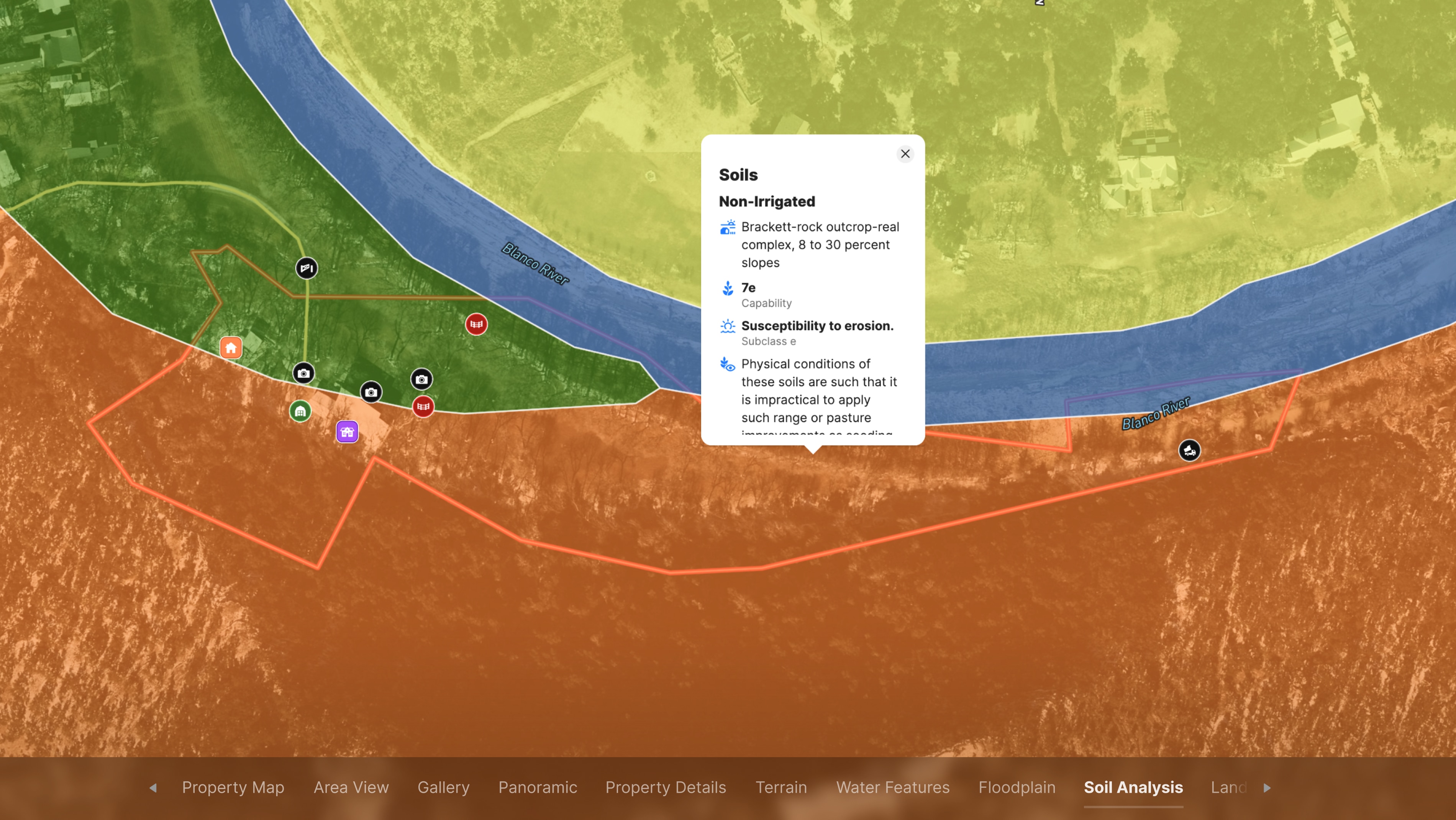
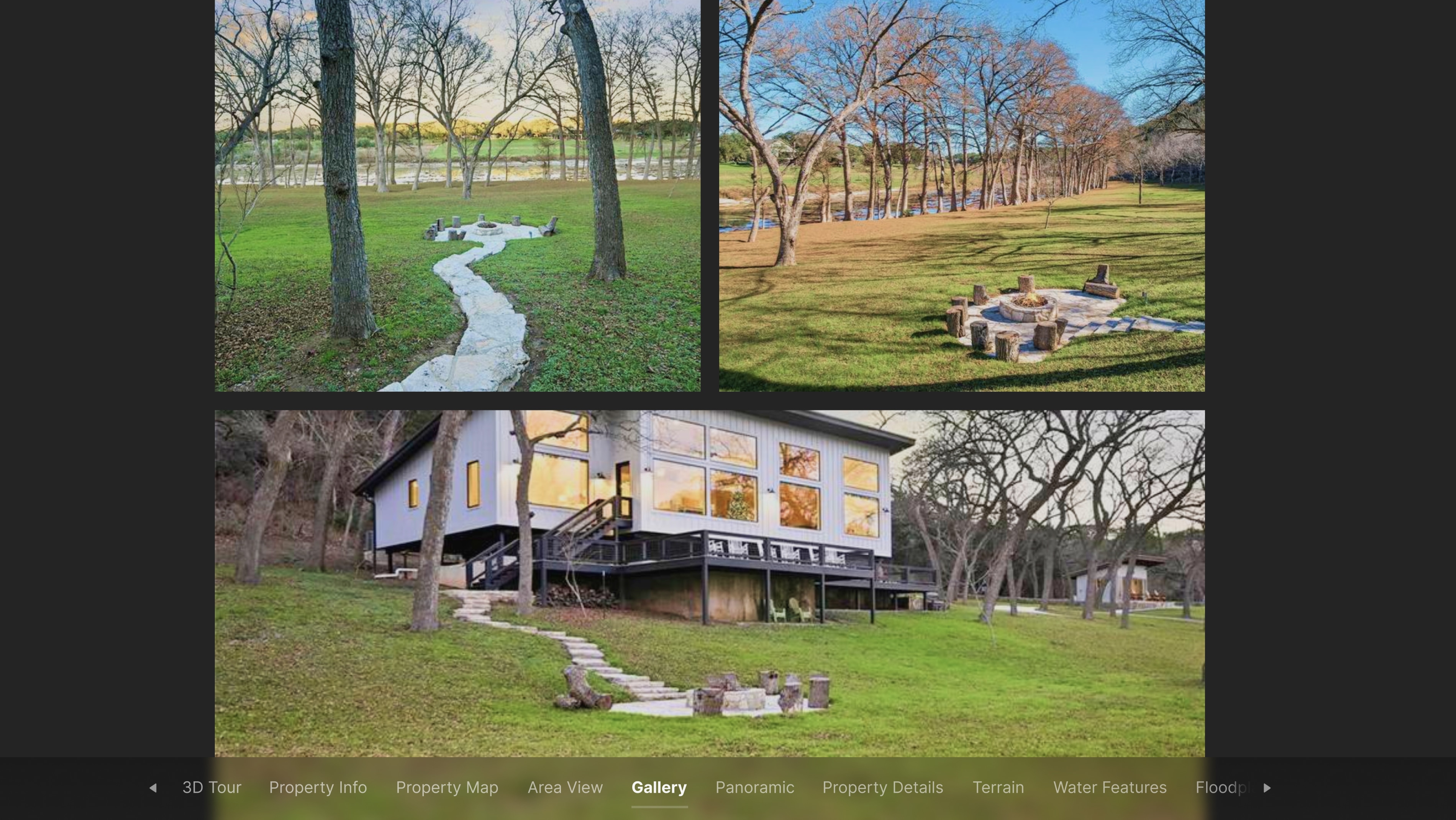
Then add your map to your listing sites, so prospective buyers can experience a property from the comfort of their couch. They'll quickly understand how this property is laid out and even see the property into 3D. They can easily toggle overlays to view water features, contours, and more.
When a prospective buyer reaches out, you'll know their interest is serious.
Learn How to Create a Project Like This
- Create a Property Tour
- How to make maps in Land id
- How to embed photos, videos, 360° walkthroughs, and more onto your map
- Draw detailed maps using the feature palette
- Surface Water Overlay
- Wetlands Overlay
Take Your Mapping to the Next Level
Mapping is just the beginning. Land id is the #1 tool for researching, discovering, and showcasing land, and we're here to help you make the most of it, every step of the way.